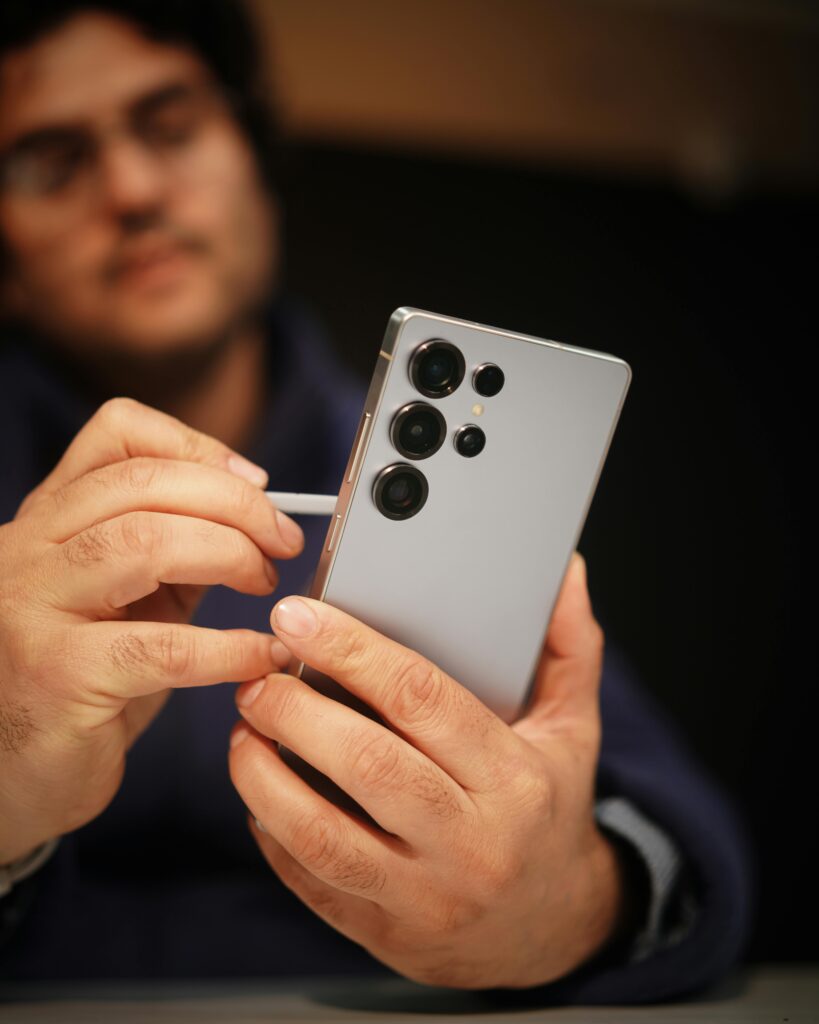
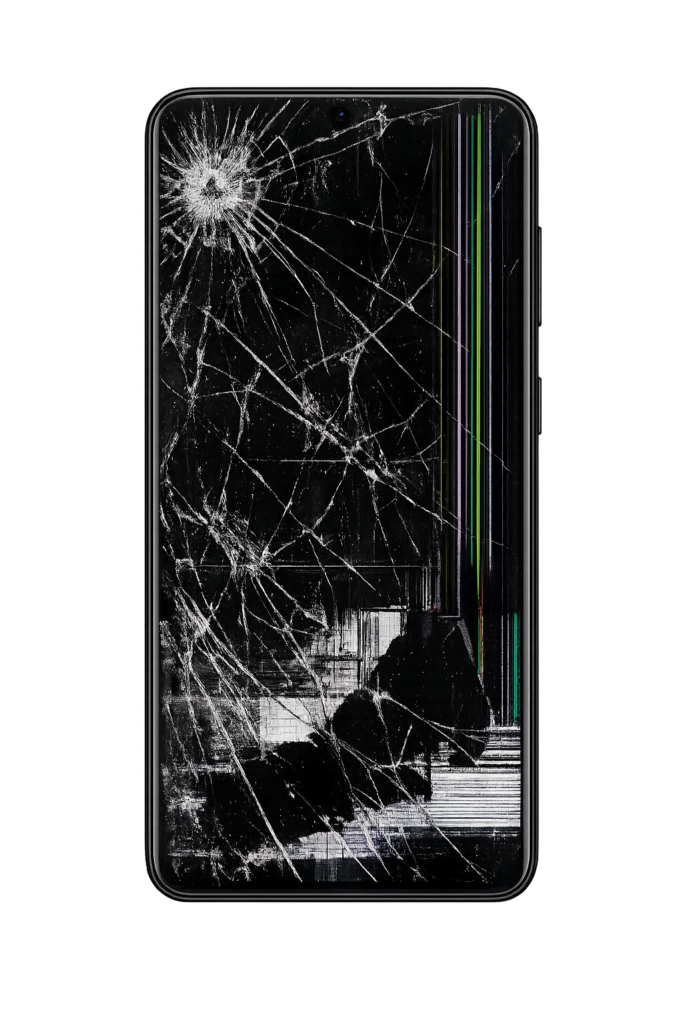
Replacing a Samsung Galaxy S21 Plus screen requires precision, proper tools, and patience. This step-by-step guide explains the full screen replacement process, from preparation to final testing, helping users understand what’s involved before attempting a repair.
Before starting, gather the following tools:
Heat gun or hair dryer
Suction cup
Plastic opening picks
Phillips screwdriver
Tweezers
Spudger
Isopropyl alcohol
Replacement adhesive
Samsung Galaxy S21 Plus replacement screen
Proper preparation reduces the risk of damage during repair.
Power off the device: Hold the Power + Volume Down buttons and shut down the phone
Discharge the battery: Keep battery level below 25% to reduce fire risk
Work environment: Use a clean, well-lit, static-free workspace
At Quick Tech KC LLC in Kansas City, MO, we follow easy steps to fix your phone or laptop. We keep things simple, fast, and clear so you get the best service.
Use a heat gun or hair dryer to gently heat the edges of the back cover. This softens the adhesive.
Carefully insert a suction cup and plastic pick to pry the back cover away from the phone.
Unscrew and lift the midframe to access the internal components and display connectors.
Apply heat around the edges of the front display to loosen the adhesive.
Use plastic picks to gently lift and remove the cracked screen from the frame.
Apply fresh adhesive strips or glue evenly around the phone frame.
Remove the screws securing the protective brackets
Carefully disconnect the battery connector to prevent electrical damage
Locate the screen connector and carefully detach it using a spudger.
Remove leftover adhesive and debris using isopropyl alcohol. This ensures proper bonding.
Align the new screen carefully and press it into place.
Reconnect the display cable securely
Reattach the midframe
Reconnect the battery
Reseal the back cover
After reassembly, power on the device and check:
Touchscreen responsiveness
Display brightness and color accuracy
Fingerprint sensor functionality
Edge sealing for proper waterproofing
Difficulty level: Moderate
Estimated time: 1–2 hours
Risk factors: Delicate cables, battery damage if rushed
Professional option: If unsure, professional repair is safer and often more cost-effective
For additional visuals and technical reference, visit the official iFixit guide:
Samsung Galaxy S21 Plus Screen Replacement Guide
Watch how we professionally perform an iPad Pro 11 (2020) screen replacement for model A2068. Safe LCD and glass digitizer repair step-by-step.
iPad Pro 11 screen replacement is required when the display glass cracks, the LCD shows lines, or touch stops responding. In this video, we demonstrate a complete screen replacement process for the iPad Pro 11-inch 2nd generation (2020), model A2068, including LCD assembly and glass digitizer installation.
If your iPad screen is broken, flickering, or unresponsive, professional repair is the safest way to restore full performance without risking internal damage.
In this video, you’ll see how our technicians carefully replace the LCD assembly and glass touch digitizer on an iPad Pro 11 (2nd Gen). Every step is performed using proper tools, static-safe handling, and precision techniques to avoid damage to Face ID, sensors, and internal components.
This repair applies to model A2068 released in 2020

Ignoring these issues can lead to further damage to the logic board or battery.